


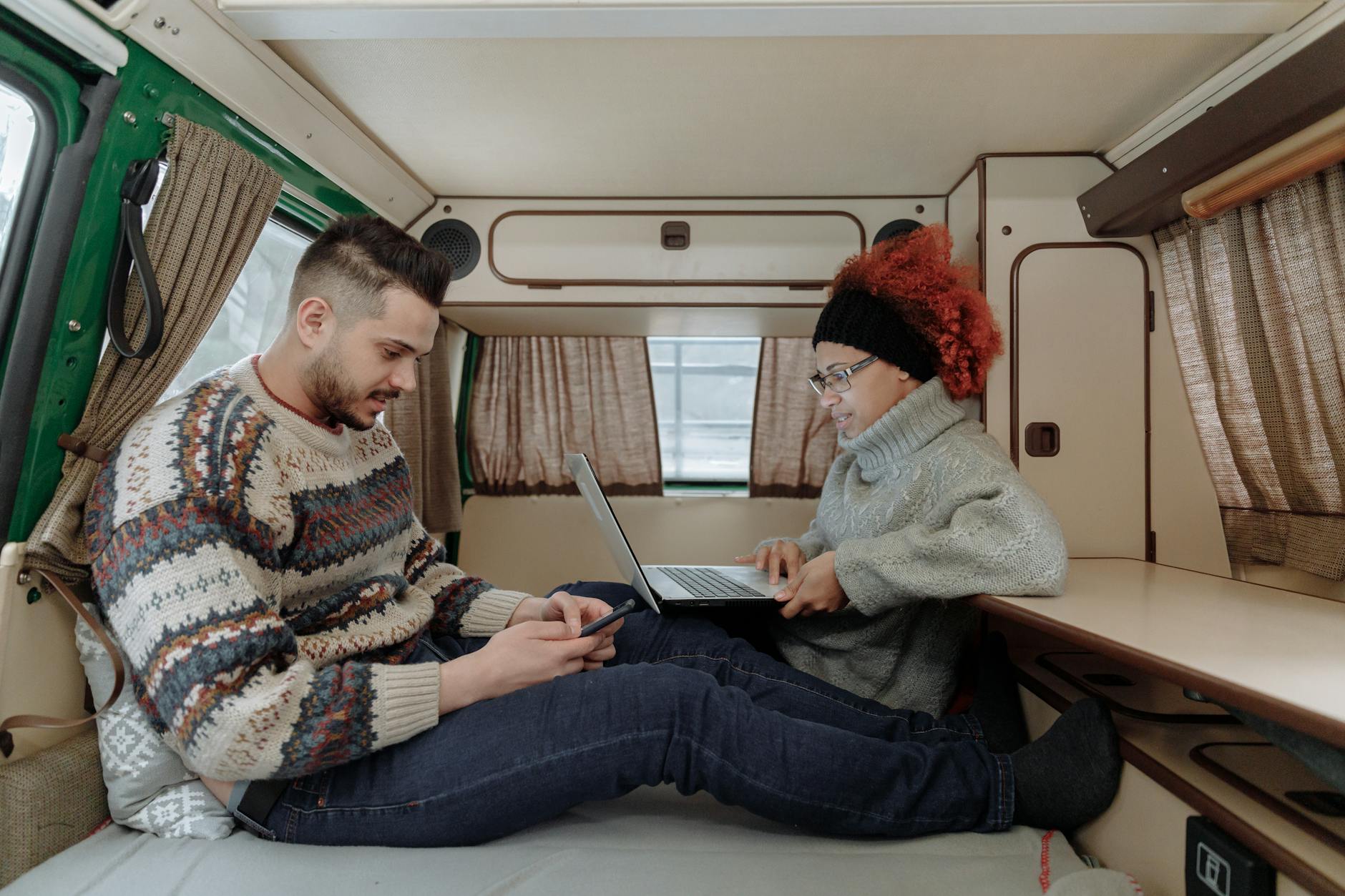
How to Work Remotely From Your RV: Internet, Power, and Productivity
Your Monday morning meeting starts in three minutes. You’re parked at a campground in the Blue Ridge Mountains, coffee in hand, laptop open on the dinette. The signal is solid, the view out the window beats any office, and nobody knows you’re not at a desk in a suburb somewhere.
This isn’t a fantasy — it’s Tuesday for a growing number of remote workers. According to RVIA’s 2025 demographic study, 22% of RV households have someone working remotely, and over half of them have worked directly from their RV. That’s roughly 1.3 million U.S. households who’ve made “the office” a movable concept. The catch? It only works if your internet holds up, your batteries don’t die, and your neck isn’t wrecked from hunching over a dinette table for eight hours.
This guide covers the three pillars of successful RV remote work: connectivity, power, and workspace — with specific gear recommendations, real costs, and the hard-won lessons that keep experienced nomads productive on the road.
Internet: The Make-or-Break Factor
Nothing ends an RV work day faster than a dead internet connection mid-Zoom call. Connectivity is the single biggest technical challenge for RV remote workers, and the solution is simple in principle: never rely on a single internet source.
Campground WiFi Is Not a Plan
Let’s get this out of the way first. Campground WiFi is nearly always inadequate for remote work. Most parks share a single ISP connection across hundreds of sites with no bandwidth management. Speeds commonly range from unusable (under 1 Mbps) to barely functional (5-10 Mbps), and they collapse during peak evening hours. Security is another concern — open networks with no isolation between clients are ripe for interception.
Use campground WiFi as a backup for light browsing when cellular is metered. Never count on it for video calls, file transfers, or anything time-sensitive. And always use a VPN.
Cellular: Still the Foundation
Cellular data is the most versatile and widely available option for RV internet. Most experienced full-timers maintain at least two carriers for redundancy. Here’s the landscape as of early 2026:
Best mainstream phone plans for hotspot data:
- AT&T Premium 2.0 — 100 GB hotspot data ($90/mo single, $55/mo with 4+ lines)
- Verizon Unlimited Ultimate — 200 GB hotspot, then throttled to a still-usable 6 Mbps ($55/mo with 4+ lines)
- T-Mobile Go5G Next — 100 GB hotspot; strongest mid-band 5G buildout but weaker rural coverage
Budget secondary connection:
- Visible (Verizon network) — unlimited hotspot data speed-capped at 5-15 Mbps depending on plan ($25-45/mo, no contract). Excellent as a cheap always-on backup.
Two carriers plus campground WiFi is already a layered plan — you built it so a dropped call doesn’t cost you a client. It’s worth noticing that the same layering is how emergency communications are planned: primary, alternate, contingency, emergency. Most RVers have the first three covered for work reasons and nothing at all for the case where every terrestrial option is down at once, which is exactly when you’d want to reach someone.
Starlink: The Game-Changer (With Caveats)
Starlink has transformed RV connectivity. The Starlink Mini ($199 hardware, laptop-sized, ~2.5 lbs) is the sweet spot for RVers — it sets up in minutes, has built-in WiFi, draws only 20-40W, and delivers real-world speeds of 50-200 Mbps.
Current Roam plans:
| Plan | Monthly Cost | Data |
|---|---|---|
| Roam 100 GB | $50/mo | 100 GB, then throttled |
| Roam Unlimited | $165/mo | Unlimited |
The limitations are real, though:
- Obstructions matter. Starlink needs a clear sky view, especially northward. Heavy tree cover at many campgrounds blocks the signal entirely.
- Weather. Heavy rain can drop speeds to ~20 Mbps.
- Not a standalone solution. Even Starlink experts recommend it as one component alongside cellular. Chris Dunphy and Cherie Ve Ard of Technomadia — full-time nomads since 2006 and founders of the RV Mobile Internet Resource Center — run a dual-cellular setup without Starlink because they find cellular redundancy sufficient. Their advice: redundancy is the #1 principle.
Signal Boosters vs. External Antennas
If your cellular signal is weak, you have two options:
Signal boosters (weBoost Drive Reach RV ~$499, 50 dB gain) amplify the signal from distant towers and rebroadcast it wirelessly inside your RV. They work with all carriers, help phone calls, and benefit every device. The weBoost Destination RV ($649, 65 dB gain) is parked-only with a 24 ft telescoping pole — maximum range for extended stays.
External MIMO antennas (Parsec Husky 7, Poynting, ~$200-350) connect directly to your cellular router’s antenna ports via cable. For data-focused remote work, external antennas are generally more effective than boosters — the direct wired connection avoids the amplify-and-rebroadcast inefficiency.
The Router That Ties It All Together
A multi-WAN router automatically fails over between internet sources so you don’t drop a video call when one connection hiccups.
Peplink ($700-2,000+) is the industry standard. Their SpeedFusion technology bonds multiple connections at the packet level — your video call stays live even when an individual link drops. It requires a cloud endpoint (~$150/year).
GL.iNet Spitz AX (~$300-400) is a solid budget alternative with automatic failover and load balancing, though without SpeedFusion bonding.
Three setup tiers:
| Tier | Equipment | Approx. Cost |
|---|---|---|
| Budget | GL.iNet Spitz AX + two SIM cards + Starlink Mini | $350-600 |
| Mid-range | Peplink BR1 Pro 5G + Starlink + external antenna | $900-1,500 |
| Premium | Peplink MAX BR2 Pro (dual 5G) + Starlink + SpeedFusion + 4x4 MIMO antenna | $2,500-4,000+ |

Power: Keeping Your Gear Running
Remote work adds a meaningful load to your RV’s power budget — especially if you’re running Starlink. Here’s what work equipment actually draws:
| Device | Watts | Daily Wh (8-hour day) |
|---|---|---|
| Laptop | 30-60W | 240-480 |
| External monitor (24”) | 25-50W | 150-400 |
| Portable USB-C monitor | 5-15W | 30-120 |
| Starlink Standard | 50-75W | 500-750 |
| Starlink Mini | 20-40W | 200-400 |
| Router + phone charger | 25W | 130 |
Total daily work energy budget: 800-1,000 Wh — that’s on top of your baseline RV consumption. If you’re on shore power, this is invisible. If you’re boondocking, it’s the difference between staying and leaving.
Know Your Exact Numbers
The table above gives rough ranges, but your actual setup matters. The free Arvee AmpSmart calculator lets you build a personalized power budget with your specific appliances — including Starlink, laptops, and monitors in its preset library. The Off-Grid Power Budget flow tells you exactly how many days you can work off-grid before your batteries run out, and the System Builder flow recommends the right battery bank and solar array to hit your target. It’s available on the web, iOS, and Android — no account required.
For a deeper dive into managing power off-grid, see our boondocking power management guide. If you’re evaluating battery options, start with RV battery types compared. And if solar is on your radar, the solar sizing guide walks through the math step by step.
Your Workspace: Making 200 Square Feet Work
You can’t work eight hours a day from an RV dinette bench without consequences. The “dinette hunch” — hunching forward over a too-low table with no lumbar support — is the most common ergonomic complaint from RV remote workers, and it leads to chronic back and neck pain within weeks.
Desk Solutions
- Wall-mounted fold-down desk — the most popular dedicated solution. Folds flat against the wall when not in use, provides a stable surface during work.
- Dinette conversion — add a keyboard tray and monitor arm to your existing dinette. The table is already desk-sized; make it ergonomic.
- Lagun table mount — swivels 360 degrees from two attachment points. The ultimate space-saving solution for mounting any tabletop surface.
- Portable USB-C monitors — ASUS ZenScreen and similar 15.6” displays fold flat, draw only 5-15W, and plug directly into your laptop. No mounting hardware needed.
The 5-Minute Stow-and-Go Rule
Everything in your workspace must be securable in under five minutes before driving. That means: padded cases for electronics, velcro cable wraps, a dedicated “tech pouch” for adapters, and screw-in mounts (not adhesive strips — they fail under road vibration). Museum putty holds small stationary items in place.
Scheduling: Work-Life Balance on Wheels
The freedom of RV life can become its own trap when work and personal time happen in the same 200 square feet. Experienced nomads swear by a few scheduling principles:
Never work on travel days. Moving the rig is a full cognitive task. Schedule travel days as travel days — handle light admin, listen to podcasts, but don’t try to hit deadlines. The 3-3-3 rule is a good starting point: drive no more than 300 miles, arrive by 3 PM, stay at least 3 days.
Check connectivity before you book. Use Campendium, CellMapper, or RV LIFE Campgrounds to verify cell signal at your next stop before reserving. Arrive at least one day before any critical meetings to test and troubleshoot.
Create a shutdown ritual. Clear your desk, sync your files, take a 10-minute walk around the campsite. The physical “commute” signals to your brain that the workday is over — an important boundary when your office is also your bedroom.
The Fine Print: Taxes, Insurance, and Your Employer
This topic deserves its own post, but here’s the short version: 31% of digital nomads operate without formal employer approval. That’s risky. A single remote employee can create corporate tax obligations in whatever state they’re physically working from.
If you’re going full-time, you’ll need to establish a domicile state. South Dakota, Texas, and Florida are the most popular choices — all three have no state income tax and accept mail-forwarding addresses. Florida offers the best ACA healthcare plan selection. South Dakota has the lowest sales tax. Consult a tax professional before committing.
Getting Connected (to People)
Loneliness is the underrated challenge. Nineteen percent of digital nomads report it as a significant issue, and constant movement makes maintaining friendships difficult. The irony of working remotely from beautiful places is that you can end up more isolated than you were in a cubicle.
Arvee includes free location-based social tools that help with exactly this. Sign up for a free account and you can keep track of where your RV friends are as everyone moves around the country — and if you’re both using the trip planner, you can see where your paths will cross weeks from now. That kind of visibility turns “we should meet up sometime” into “we’ll both be in Flagstaff the second week of April.”
Beyond the campground, RV parks themselves are starting to cater to remote workers. Parks like Rustic Acres in Pennsylvania and The Campers Hub in Colorado now offer dedicated coworking spaces with fiber internet — a great way to get out of your rig and work alongside other people for a change.
Start Small, Build Over Time
You don’t need a $4,000 Peplink setup and a rooftop antenna array to start working from your RV. Begin with your phone’s hotspot and a Starlink Mini. If that’s not reliable enough for your work, add a second carrier. If you’re still dropping calls, invest in a router with failover. Build the system that matches your actual experience — not someone else’s worst-case scenario.
The 1.3 million households already doing this didn’t all start with the perfect setup. They started with a laptop, a signal, and a willingness to figure it out. The infrastructure has never been better. The rest is just practice.